The AI Hybrid Workflow: How to Efficiently Integrate AI with Your Traditional Tools
True productivity doesn’t come from abandoning your trusted software for every new AI app that launches the secret lies in a AI hybrid workflow. Learn how to strategically pair artificial intelligence with your traditional tools to supercharge efficiency without breaking your established systems.
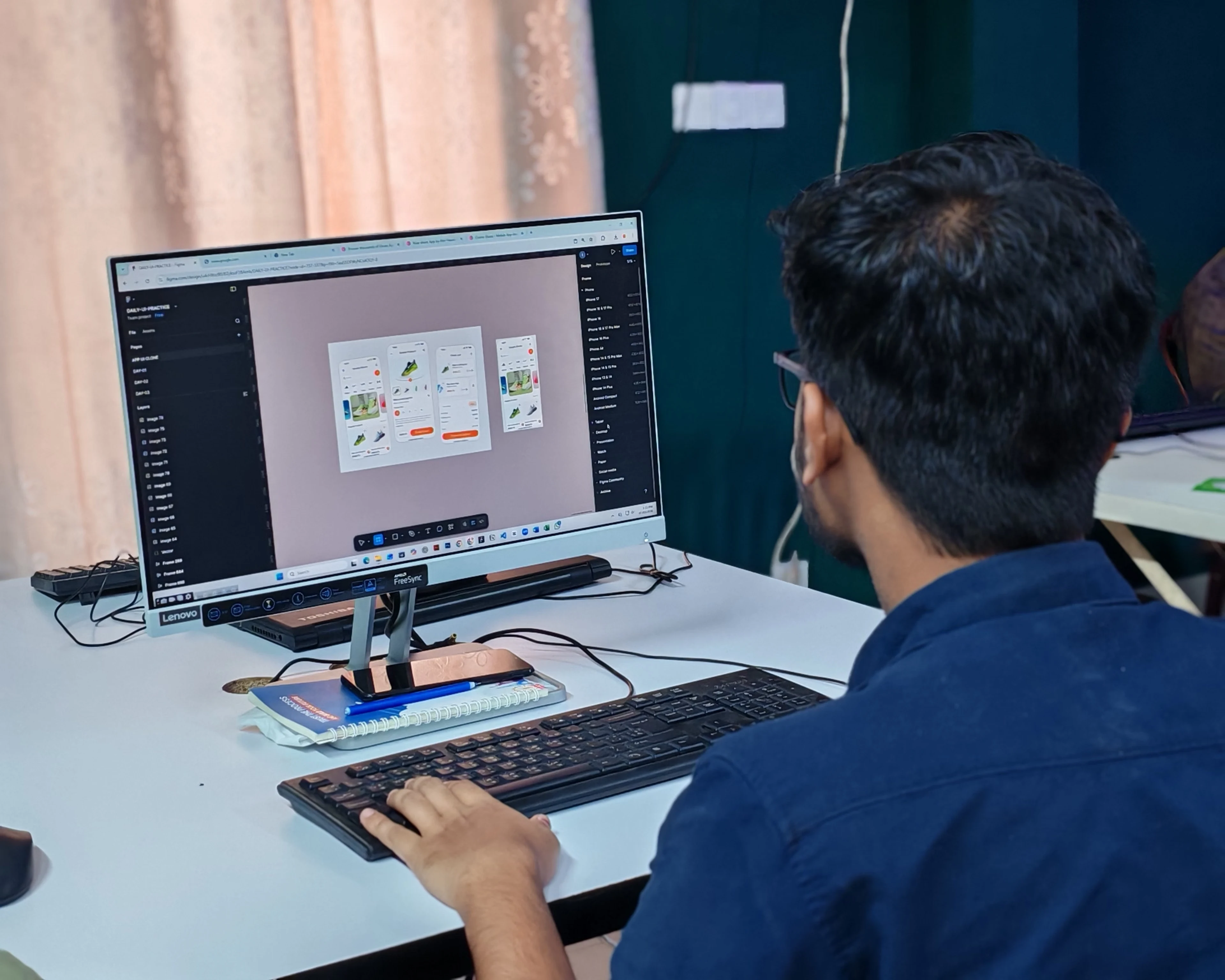
Code, Design, and Strategy: Mastering the Human-AI Hybrid Stack
But for professionals managing tight deadlines, client expectations, and complex codebases or design systems, completely rewriting a workflow around unproven tools is a massive risk.
The most efficient strategy in 2026 isn't to replace your traditional tools; it is to use AI to supercharge them. By building an AI hybrid workflow, you keep the reliability, pixel-perfect control, and robust architecture of your core software while offloading time-consuming boilerplate tasks to machine learning. Here is how to strike the perfect balance.
1. Establish the "Core vs. Satellite" Framework
To use AI efficiently, you must treat your traditional software as the Core (the single source of truth) and AI tools as Satellites (the accelerators).
For example, if you are building an application using a traditional framework or tech stack, your core environment remains your local IDE and version control system. You don't let an AI autonomously write and ship your entire codebase. Instead, you use an AI coding assistant as a satellite tool to rapidly generate utility functions, draft unit tests, or explain complex regex patterns. The AI handles the micro-tasks, but your traditional environment ensures structural integrity.
2. Offload the "Blank Page" Problem
AI tools are exceptionally good at initiation, while traditional tools excel at refinement. The most inefficient way to use AI is to expect a finished product; the most efficient way is to use it for the first 20% of a project.
Content & Documentation: Instead of staring at a blank text editor trying to outline a technical case study or API documentation, use AI to generate a comprehensive structural outline. Once the bones are there, move the text into your traditional editor to apply deep technical accuracy and stylistic brand guidelines.
Design & UI/UX: Use AI image or layout generators to rapidly brainstorm color palettes, asset styles, or mood boards during the conceptual phase. Once a direction is approved, manually construct the actual components and vector layouts within your traditional design system to ensure exact specifications and responsive hygiene.
3. Automate Data Transformation, Keep Traditional Governance
Where AI genuinely shines is bridging the gap between messy, unstructured data and the rigid formats required by traditional tools.
If you manage backend systems, databases, or client content, you can leverage AI to clean up raw inputs. Use an AI prompt to transform a chaotic client email or a messy markdown file into a perfectly structured JSON object or a series of sanitized database seeds. Once the data is cleanly formatted by the AI, pass it into your traditional, secure administrative dashboards and database management tools. You get the speed of AI parsing with the security of traditional data governance.
4. Audit the AI Output Rigorously
AI hallucinates, creates subtle bugs, and lacks contextual awareness of your specific business logic. Therefore, the final step of a hybrid workflow must always take place within your traditional testing or editing environment.
Never copy-paste AI outputs directly into production. Treat AI-generated assets or code as an unverified draft. Use your traditional compilers, linting tools, and manual proofreading workflows to audit the output. By maintaining a strict human-in-the-loop review process, you capture the massive speed benefits of AI generation without inheriting the technical debt of automated errors.